How to Build a Reusable Workout Routine
Turn your training plan into a reusable routine with clear workout days, exercise targets, and a simple way to handle schedule changes.
To make a workout routine reusable, save your workout days in order, list the exercises for each day, and give each exercise clear targets. Keep that plan separate from the sets you actually complete.
This guide helps you organize a training plan you already have, whether it came from a coach, a program, or your own experience. The goal is to arrive at the gym with a template you can use again, without reconstructing it from old notes.
You can use the same method in a notebook, a spreadsheet, or a workout app.
Separate your routine from your workout log
A routine describes what you intend to do. A workout log records what you did on a particular date. Give them different jobs:
- Routine: workout names, exercise order, planned sets, rep targets, and rest times.
- Log: the load and reps completed in each set, plus any useful context from that session.
For example, your routine might say “bench press, 3 sets of 8–10 reps.” Your log might say “60 kg × 10, 9, 8.” Both entries are useful: one prepares the next session, and the other preserves the result of this one.
If a session differs from the plan, record the difference. Replacing your actual results with the targets removes the information you wanted to keep.
Give each workout day a clear place in the sequence
Start with the distinct workout days in your existing program. Give each one a name that lets you recognize it at a glance, such as “Upper A,” “Lower A,” or “Full body B.” Put them in the order you intend to follow.
A workout day and a calendar date are separate things. “Day 2” can mean the second workout in your sequence; it does not have to mean Tuesday. If your program uses fixed weekdays, keep those scheduling instructions alongside the routine.
For a plan that allows a flexible sequence, an entry like “A completed; B next” keeps your place even if your available training dates change. This is an organizational choice, not a recommendation about how often to train or how much recovery you need.
Write exercise targets you can read between sets
For each exercise, copy the relevant details from your program:
- Exact exercise name. Include the variation or equipment when it matters: “seated cable row” is clearer than “row.”
- Position in the workout. List the exercises in their intended order.
- Planned sets. Make it clear whether the number refers to working sets; record any warm-up instructions separately.
- Rep target. Write a fixed number or a range, such as “8” or “8–10,” according to the plan.
- Load, when specified. Include the unit and any convention you need, such as whether a dumbbell load is per hand.
- Rest time. Copy the planned interval with its unit. “120 seconds” is clearer than an unexplained “120.”
Use duration or distance targets for exercises that are tracked that way. An empty field is better than an invented target: if your program does not specify a load, you do not need to add one just to finish the template.
Worked example: turn a workout into a reusable template
Suppose you want to save the following fictional session as “Upper A.” These figures illustrate how to format a routine; they are not a prescription for exercise selection, training volume, load, or rest.
| Order | Exercise | Working sets | Rep target | Rest |
|---|---|---|---|---|
| 1 | Barbell bench press | 3 | 8–10 | 120 seconds |
| 2 | Seated cable row | 3 | 10–12 | 120 seconds |
| 3 | Cable lateral raise | 2 | 12–15 | 90 seconds |
The template contains eight planned working sets: 3 + 3 + 2. It leaves load unspecified. Your dated log holds the loads and reps you actually complete.
Same exercise, two different records
Saved target: Barbell bench press · 3 × 8–10 reps · 120 seconds rest
Session result: 60 kg × 10, 9, 8
At the next session, the template still tells you the planned work. The previous result gives you context. If your program calls for a new target, update the routine deliberately rather than treating the last result as an automatic instruction.
Keep temporary changes out of the permanent plan
Use a simple question when something changes: does this affect today's session, or future sessions too?
- A different training date: change the schedule while keeping the workout names and sequence understandable.
- Equipment unavailable today: record the exercise you actually performed under its own name. Keep any intended replacement for future sessions as a separate planning decision.
- An exercise omitted today: leave its sets out of the completed log. Do not enter planned sets as though you performed them.
- A permanent program revision: update the saved template for future use and retain the dated results of earlier sessions.
In a notebook or spreadsheet, a short revision note such as “from 13 October: use chest-supported row” can explain a lasting change. Keep materially different exercises separate when comparing their results.
Common routine-planning mistakes
- Copying an old log as the new plan: old results may include substitutions or unfinished sets. Start from the intended program and use history for context.
- Leaving exercise names vague: record enough detail to identify the movement and equipment next time.
- Treating default targets as personal recommendations: a prefilled field is a starting value in the tool. Check it against your program before saving.
- Rewriting the routine after every exception: record a temporary change in the session; edit the template when the intended plan changes.
- Saving an unreadable template: use consistent units and concise names so you can find the next exercise and its targets between sets.
Build and reuse your routine in TrrackFit
In TrrackFit, you can create a named routine, organize its workout days, reorder exercises, and save individual exercise targets. To enter your own plan:
- Open Routines, choose + New routine, and give it a recognizable name.
- Add and name the workout days in your program.
- Add the exercises to each day and arrange their order.
- Tap an exercise to edit its targets. Check sets, reps, optional weight, and rest; duration and distance fields depend on the exercise.
- Use Set active in the routine's menu when you want it to supply your suggested workout days.
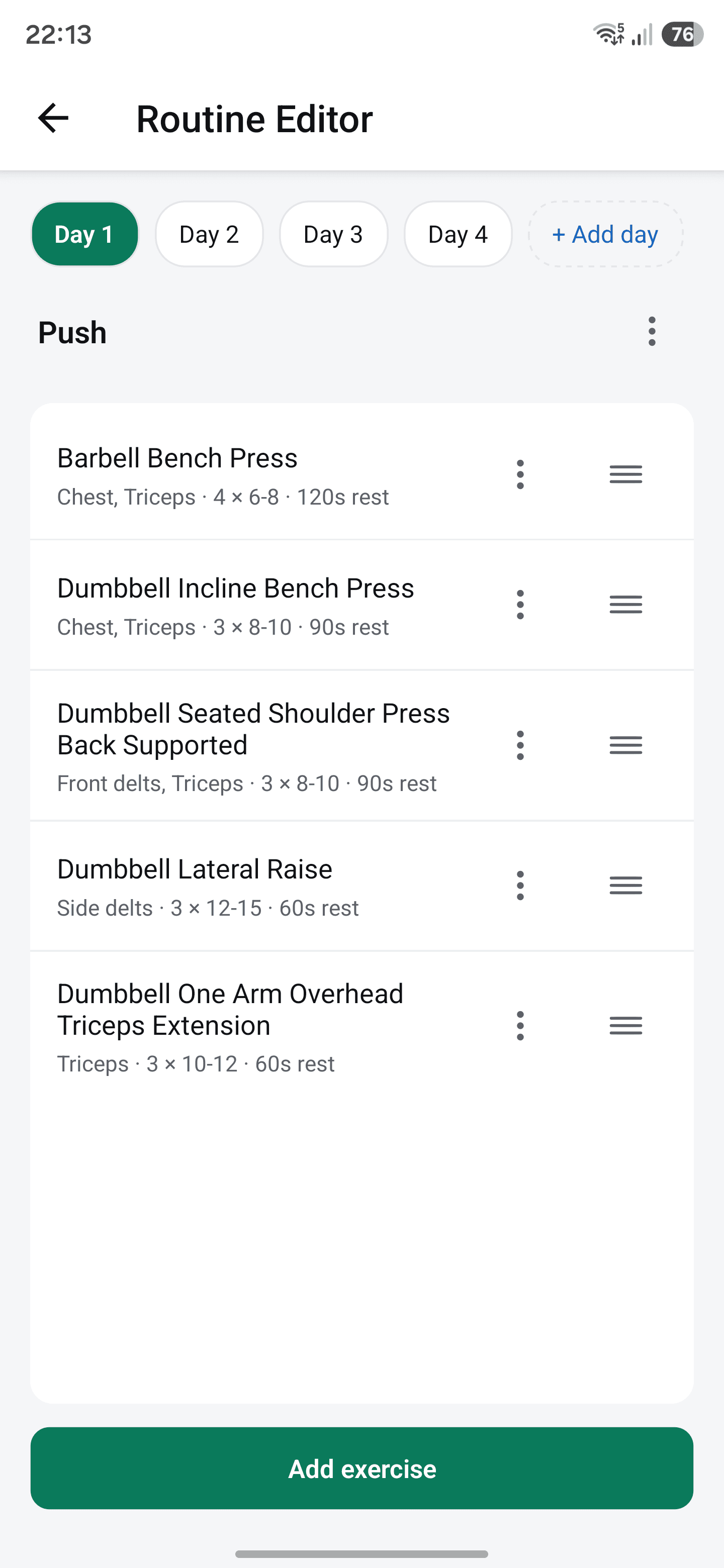
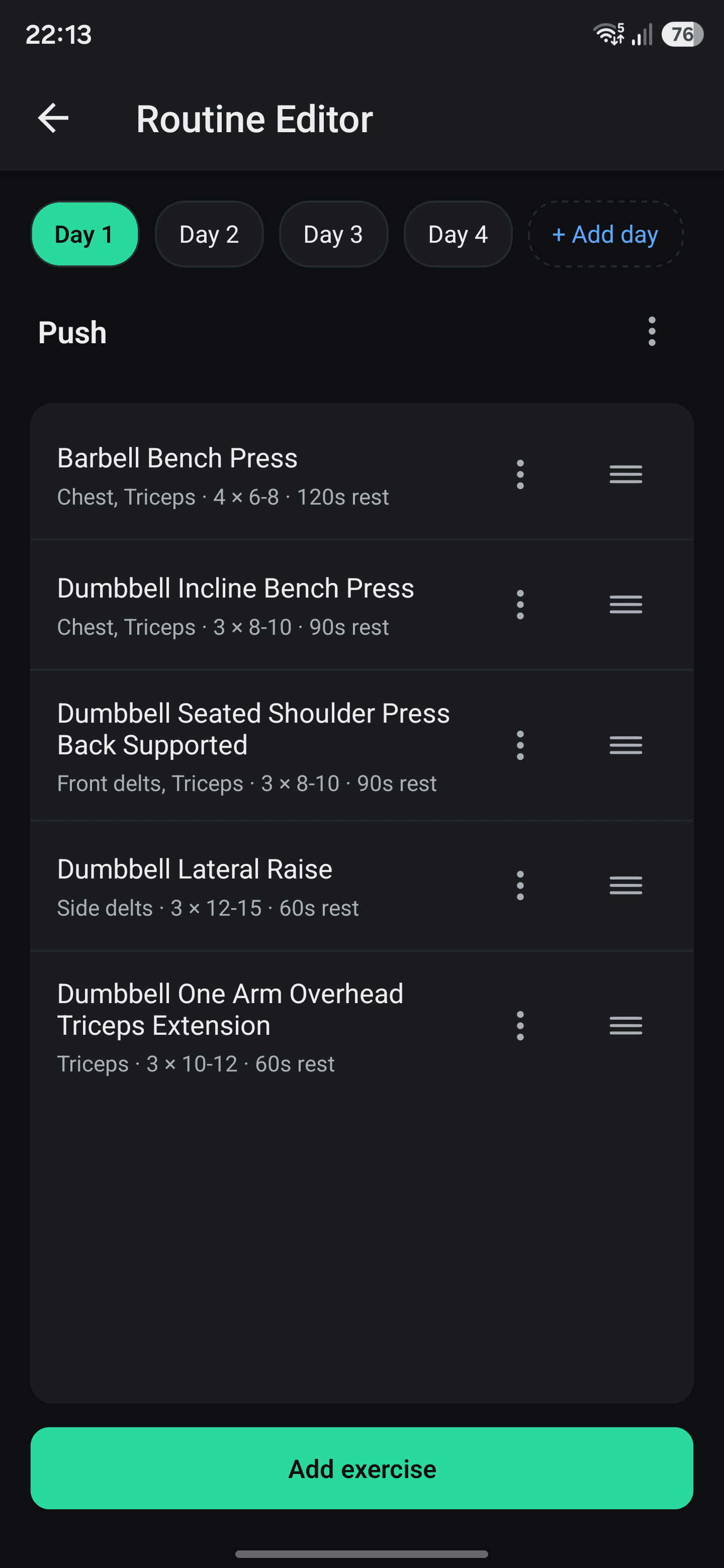
TrrackFit follows a sequence of routine days. After you log sets for one day, the Workout tab suggests the next routine day when you train on a later date. Rest days do not skip ahead, and the sequence loops after the last day. Use the arrows beside the workout name to choose a different day when needed.
Core routine planning and workout logging work offline without a Pro subscription. Guest mode lets you use them without an account. Cloud backup and cross-device sync require eligible TrrackFit Pro access.
Next: make sense of your workout history
Once your template is ready, use your dated results to understand what is changing. Read How to Track Workouts and Measure Strength Progress for a practical logging checklist, fair comparisons, and a worked example of strength metrics.